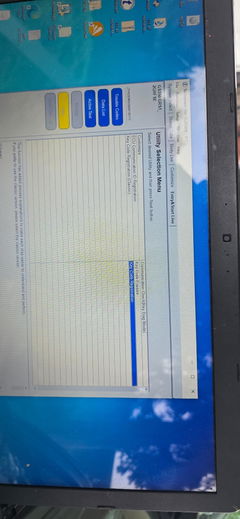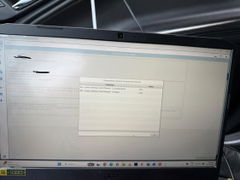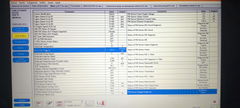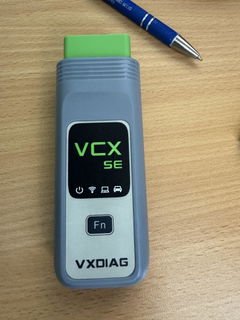




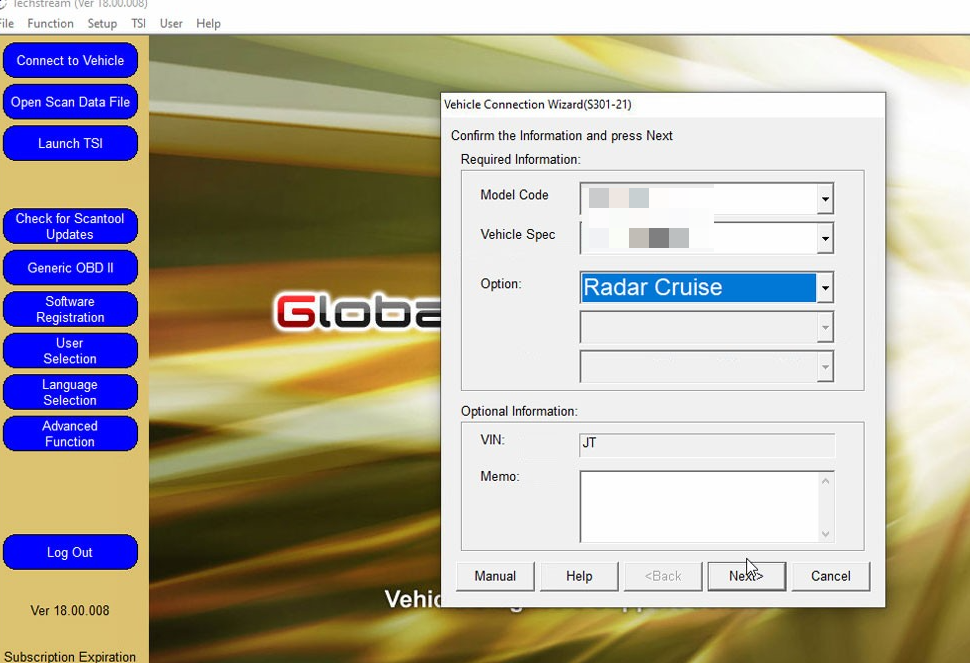
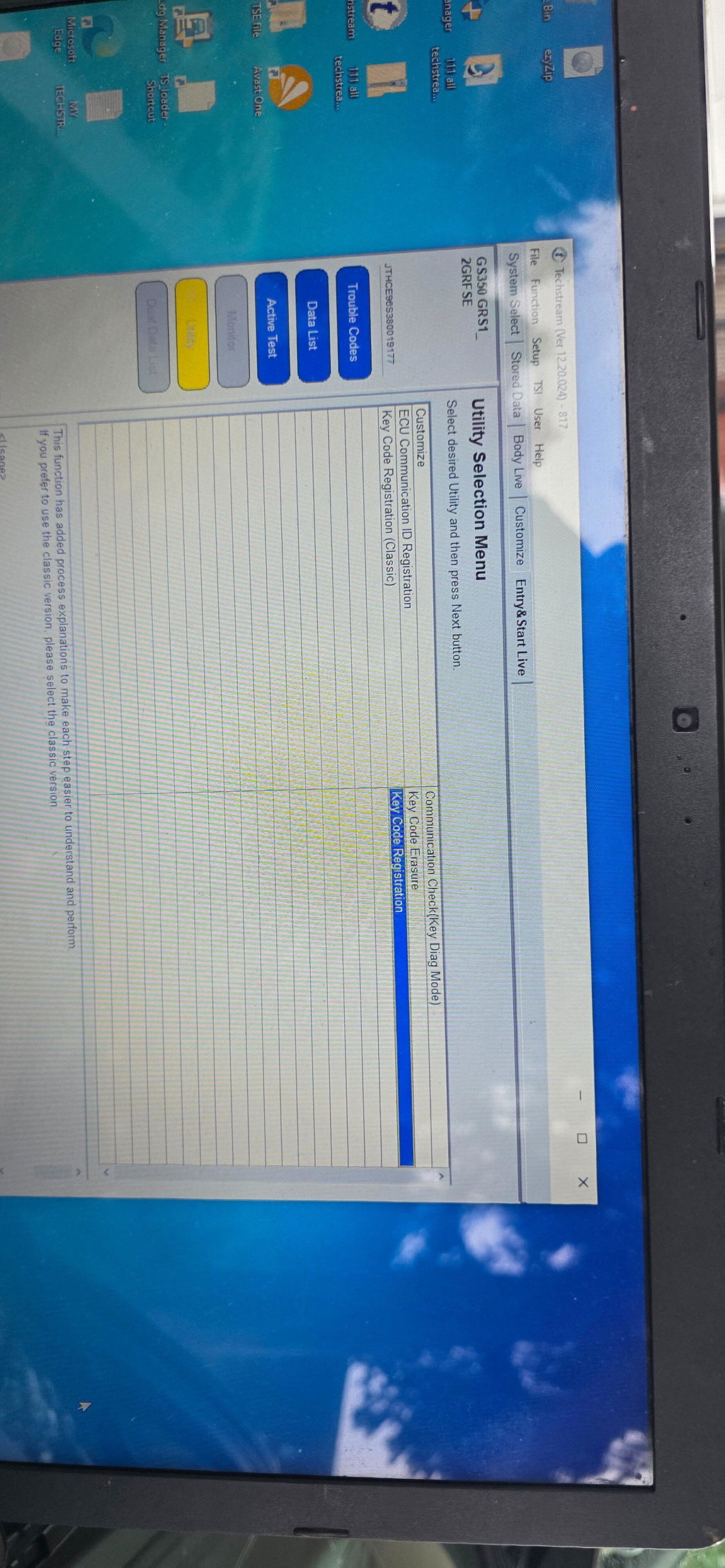
I was very tempted to give it a 4 star review. Not for the hardware, it worked perfectly, but the software and MORE importantly the guide could/should be much better! It is a very simple (seemingly) hardware that uses techstream to perform various diagnosing or managing tasks. I bought it to register a second key for my Lexus car. And every time I tried to do it, I had to go back and research and find more info. It took a lot more time than I expected. For anyone reading this, before you try to reprogram your new key, go into vx manager, update licenses in options, MAKE SURE the modules under passthrough app are updated and running. Not doing this will give you a lot of headaches. After you get your techstream running, it is a fairly simple process. Just as myself, you might find that you need more info after your first or second try. For example, when techstream connected to the NX nano400 device, a dialogue window popped up prompting me to select a sub model(there were 3 options for my exact car model and year) and another option, in my case, I had to pick between Cruise, and Other version. Each option was designed for a very specific car model and packages. Tonight, I am celebrating adding a new key fob and saving a lot of money, compared to paying to specialist or dealer. Was it worth it? From the standpoint of learning a new thing and actually understanding how these things work? Definitelly, But frustration and time it took was not very kind. AI helped a lot, but it also missed multiple aspects which made me sit with the chatbot learning bit by bit how to get to the end.
Customer support terrible for getting this thing working. I don't even know if it works.
Hi Shani, we’re sorry to hear about your experience. According to our records, your VW authorization order was successfully fulfilled. However, we haven’t received any support requests from you, so we’re not yet aware of the issue you’re experiencing. Please contact us at support@vxdiag.com and let us know what isn’t working. Our technical team will be happy to assist you and help get everything working properly. We’re here to help!
Adaptern fungerar bra. Dålig kommunikation med säljare som har inte kunnat hjälpa med nedanstående problem. Licenserna i VX Manager faller bort hela tiden, så varje gång måste man vänta på att de återställs innan man kan igen använda adaptern. Irriterande
Hej Vikshef! Vi beklagar verkligen frustrationen som problemet har orsakat. Vi kunde inte hitta ditt tidigare meddelande i vår supportinkorg. Skulle du vänligen kunna berätta vilken e-postadress du använde och via vilken kanal du kontaktade oss? Då kan vi följa upp ärendet på bästa sätt. Vi har precis kontaktat dig via e-post och hoppas få möjlighet att hjälpa dig att lösa licensproblemet så snart som möjligt. Din nöjdhet är viktig för oss, och vi finns här för att hjälpa dig!