Eén betaling voor de autorisatie van het apparaat- en voertuigmodel, geen extra licentie vereist.
Ondersteunt programmeer-, coderings- en toetsprogrammeerfuncties.
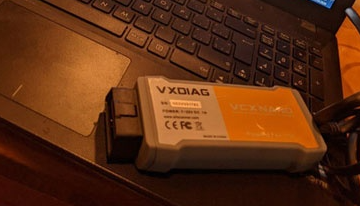
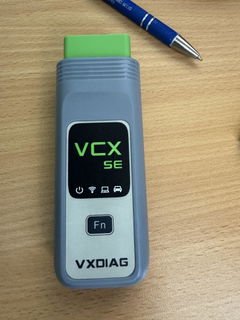
De VXDIAG VCX NANO voor Volvo 2014D is een professionele OBD2-diagnosetool die is ontworpen voor uitgebreide systeemdiagnostiek, ECU-codering en programmering.
Geschikt voor Volvo-voertuigen van 2000 tot 2014. Ondersteunt de normen SAE J2534-1 en J2534-2.
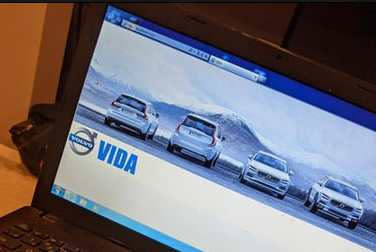
De VXDIAG voor Volvo apparaat is een OBD2-diagnosetool die de officiële VIDA/VDASH-software, waardoor u over alle functies beschikt die u nodig hebt, waaronder programmeren, coderen, programmeren van toetsen en nog veel meer.
Wat ontvang je na aankoop?
Een apparaat dat diagnostiek ondersteunt voor alle VOLVO-modellen van 2000 tot en met 2014.
Levenslange VOLVO-autorisatie zonder abonnementskosten of extra kosten.
Originele VOLVO software VIDA voor real-time voertuigdiagnose (neem contact op met de klantenservice voor downloadlinks).
Realtime programmeren, coderen en sleutelprogrammering thuis om diagnostische problemen op te lossen. (Voor online programmeren is een aanvullend online-abonnement vereist.).
USB-kabel.
Twee jaar garantie op de apparatuur en levenslange ondersteuning van de officiële website van VXDIAG.
Belangrijkste kenmerken
Functie
Beschrijving
Uitgebreide diagnostische mogelijkheden
Diagnose van het hele systeem: De VCX NANO biedt diepgaande diagnose van alle voertuigsystemen, waaronder motor, transmissie, ABS en instrumentenpanelen. ECU-codering en -programmering: Het is volledig compatibel met de 2014D-software en ondersteunt ECU-programmering en -configuratie voor voertuigaanpassing en prestatieverbeteringen.
Brede protocolcompatibiliteit
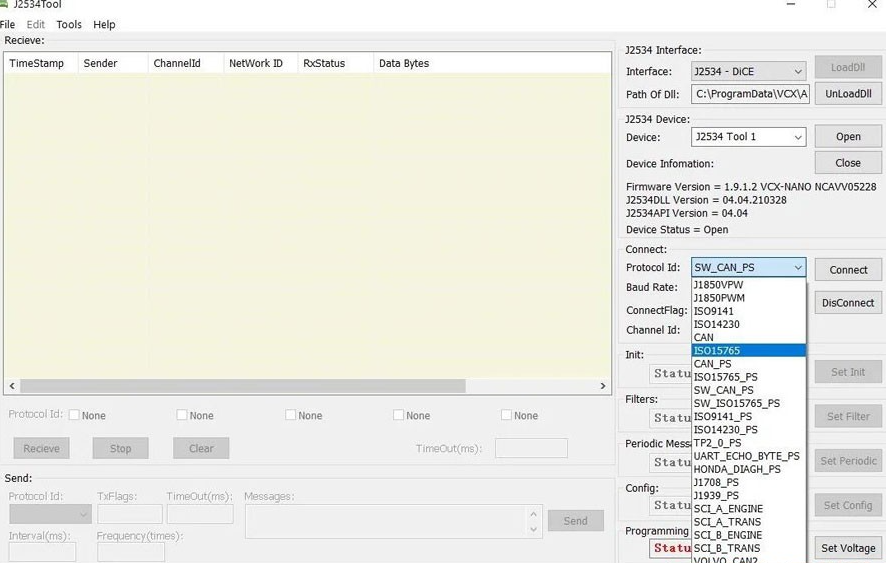
SAE J2534-1 & J2534-2-normen: Ondersteunt een breed scala aan voertuigprotocollen zoals CAN, UART, KW2000en Klasse 2, wat zorgt voor brede compatibiliteit en betrouwbare prestaties.
Levenslange gratis licentie-updates
Firmware en licentie kunnen worden bijgewerkt: Los problemen met 'License Expire' eenvoudig op door de nieuwste versie van VX Manager te downloaden en te installeren, verbinding te maken met een netwerk en de firmware en licentie bij te werken. Levenslange licentie: Profiteer van levenslange licentie-updates, zodat de tool altijd up-to-date is met de nieuwste functies.
Geavanceerde functies
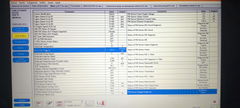
Bidirectionele besturing (actieve tests): Biedt volledige controle over voertuigcomponenten voor actieve tests, zoals de werking van de brandstofpomp, de ruitenwisserfunctie en het testen van koplampen. Volledige OBDII-functies: Bevat gedetailleerde code-uitlezing, codes wissen, monitoren resetten, gegevensstromen bekijken, gegevens bevriezen en meer.
Meerdere speciale functies
Biedt een scala aan onderhoudsfuncties zoals het resetten van het onderhoudslampje, het aanleren van gaspedaalfuncties, het resetten van remblokken en bandenspanning, en nog veel meer voor uitgebreid onderhoud van uw voertuig.
Gedetailleerd functioneel overzicht
OBDII-functies
De VCX NANO biedt volledige OBDII-functionaliteiten, die cruciaal zijn voor uitgebreide voertuigdiagnostiek en -onderhoud.De volgende tabel vat deze functies samen:
Functie
Beschrijving
Codes lezen
Geeft gedetailleerde beschrijvingen van diagnostische foutcodes (DTC's) weer.
Codes wissen en resetten
Wist codes en reset monitoren, waardoor het Check Engine Light (MIL) wordt uitgeschakeld.
Gegevensstroom
Leest en toont live ECU/PCM-gegevensstromen en slaat stilstaande beelden op.
I/M-gereedheidsstatus
Geeft aan of emissiegerelateerde systemen gereed zijn voor inspectie en onderhoudstests.
Live datastream lezen
Biedt continu live gegevens van voertuigcomponenten in een grafische (golfvorm) weergave.
Bekijk Freeze Frame-gegevens
Geeft de specifieke voertuigomstandigheden weer die door de boordcomputer zijn geregistreerd op het moment van een emissiegerelateerde storing.
O2-sensortest
Haalt de testresultaten van de O2-sensor op en bekijkt deze vanuit de boordcomputer van het voertuig.
On-board monitortest
Haalt testresultaten op voor emissiegerelateerde aandrijflijncomponenten en -systemen en geeft deze weer.
Voertuiginformatie lezen
Geeft belangrijke voertuiginformatie weer, zoals VIN, CID en CVN.
Componententest
Maakt het mogelijk om voertuigcomponenten te activeren en zo de werking ervan te testen.
Meerdere speciale functies
Naast de OBDII-functionaliteitenDe VCX NANO biedt diverse speciale functies voor onderhoud en service, waardoor de bruikbaarheid voor professionele diagnose en reparatie wordt vergroot:
Onderhoudslampje resetten
Gashendel leren
Stuurhoek leren
Remblokken resetten
Bandenspanning resetten
ABS-uitlaat
Batterijmatching
Injectorcodering
DPF-regeneratie
Koplamp Matching
Versnellingsbak leren
Initialisatie van het schuifdak
A/F-aanpassing
Elektronische pompstart
Transportmodus vrijgeven
Bandenmodificatie
Kalibratie van deuren en ramen
Ureum Reset
NOx-reset
Start-Stop-instelling
Taalinstelling
Stoelkalibratie
Afschermingsfalen
OPMERKING: Het apparaat ondersteunt VIDA/VDASH software, maar we bieden geen online account aan.
Pakketlijst:
1 stuk x VXDiag VCX NANO voor Volvo 1 x USB-kabel
Hoe gebruik ik deze VXDIAG nano voor Volvo-apparaten?
2014 Volvo V60 and 2018 Volvo S90 without any issues
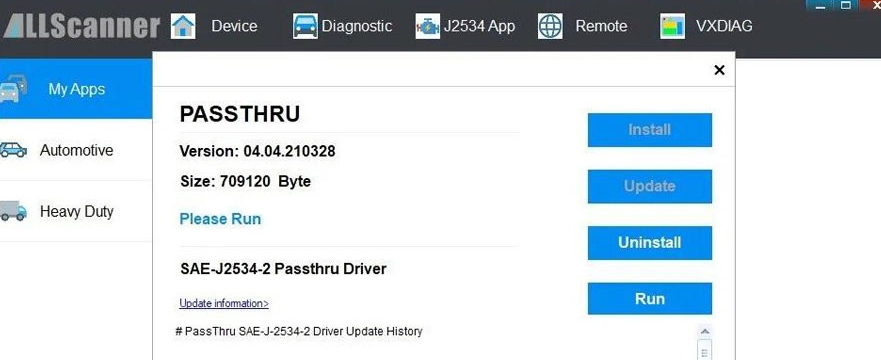
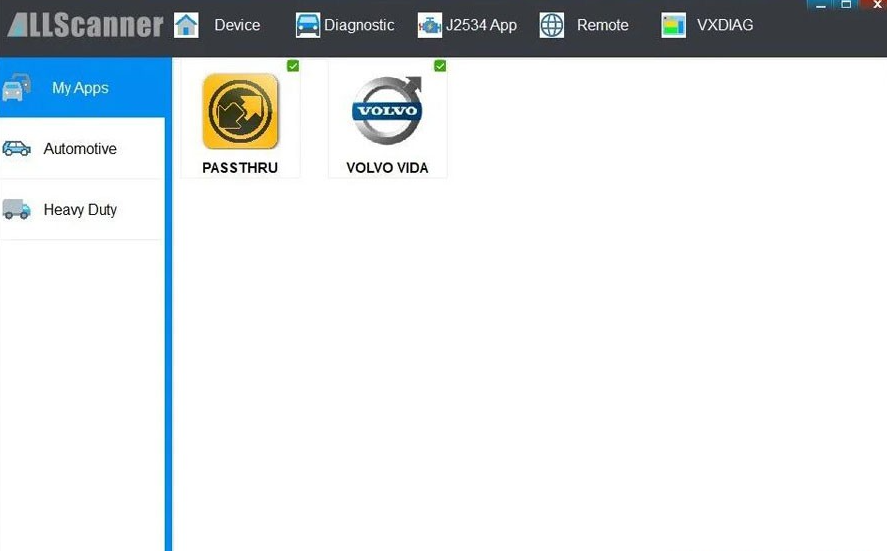
I'm using the VXDIAG VCX Nano for Volvo, and it works great with VDASH on my 2014 Volvo V60. To get it running, I had to install the Passthru driver in VX Manager and select the VXDIAG-J2534 interface. Once that was set up, diagnostics started smoothly- Yeah..probably because I bought it directly from the official VXDIAG website (vxdiag.com).
Cracking the CEM pin code took a bit longer than I expected, but in the end, it worked!
On top of that, I was also able to scan and diagnose fault codes on a 2018 Volvo S90 without any issues.
D
Dannie Kerwick
VDASH/VIDA both ok!
VIDA recommends using Windows 7 Professional 32-bit, but I've managed to run it just fine on Windows 10!
With VIDA, I can connect to the car, read its details, check fault codes, and access live data. I can also use the activation function to turn various systems on and off for testing purposes.
I haven't tried any programming yet.
I've also used the device with VDASH2, and it works well for reading information and fault codes. I haven't tried programming with VDASH2 either.
So, aside from not being able to comment on programming just yet (hopefully I'll be able to update this later), I definitely recommend the VCX NANO as a cheaper alternative to the DICE clone.
S
Soraia Jeffree
VXDIAG VCX NANO for Volvo
Super product, fantastic support fromcustomer support group
J
James Bartel
No luck
Software download was a bit of a hassle, but worked. The software, unfortunately, would start..but then completely freeze my machine when the login screen appeared and a forced restart would have to happen. Not once did I get the software to perform. Never even got the chance to plug into the vehicle to read any codes.
Dear Friend,
Thank you for your message. According to the official recommendation from Volvo, the VIDA software is only compatible with Windows 7 32-bit systems. It does not support virtual machines or Windows Home Edition. We would suggest that you change your operating system and try running the software again. Additionally, if there are other diagnostic software programs or drivers present on your computer, they may cause conflicts with VIDA.
Please feel free to let us know if you have any further questions.
Recently purchased vcx nano for GM usb version and had a very good experience. The team was very helpful in quick replying. The vcx worked great for diagnostics and later used for sps programming. Successfully flashed calibrations to my car's power steering with sps techline.
USB Version VXDIAG VCX NANO for GM
Pablo Pérez Tendero
It works perfectly
It works perfect for a Land Cruiser 1gd ftv diesel 2019. Old minivci do not work
USB Version VXDIAG VCX NANO for TOYOTA
Rafael Rodriguez
Finally a tool that delivers.
I wasted money on other OBD2 tools, so I was really skeptical, but the reputation of this tool was persuasive. I am glad I bought it because it did the job. If your IDS is missing the latest PCU update files, remember you can download them for free from the PhordTech site. This tool just works.
USB Version VXDIAG VCX NANO for Ford Mazda
Viktor Szovga
Very satisfied with this VXDIAG VCX SE Pro 3 in 1 device
Very satisfied with this VXDIAG VCX SE Pro 3 in 1 device. Installation was successful and the Honda diagnostic software works correctly with my 2019 Honda CR-V Hybrid. The support team was very responsive and provided detailed instructions, software links, and assistance during setup.
The device connected successfully, read all systems without errors, and provided detailed live data for the hybrid battery, motor, and other modules. Communication with the vehicle is stable and fast.
Highly recommended for diagnostics, learning, and advanced vehicle monitoring.
VXDIAG VCX SE Pro 3 in 1
Anonymous
Es funktioniert einwandfrei
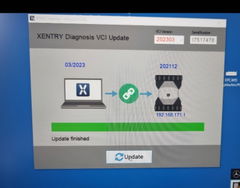
Es funktioniert einwandfrei. Man muss sich genau an die Installationroutine halten. Zuerst den VX Manager nutzen und Firmware und Lizenz auf neusten Stand bringen. Danach den VX Recovery nutzen und den VXC-SE auf gleichen Stand bringen. d.h. das Datum von Xentry muss mit dem Datum dem VXC-SE übereinstimmen. Also oben im Fenster von VX Recovery muss das gleiche Datum wie mitte in Feld links stehen. Das erreicht man indem man im VX Manager unter Lizenzen auf Benz klickt und aktualisiert. Dann passt das Datum. Und danach funktioniert das Gerät bei alten bis topaktuellen Benzens. Sehr gut.
Working well, helped me review parameters on my 2009 Toyota.
I'm working thru some license update issues with VXDIAG but I'm confident I'll get them resolved. The device is working well with my laptop. I would buy again.
Have emailed and chatted with the site atleast 10 times with zero response back about programs to
Have emailed and chatted with the site atleast 10 times with zero response back about programs to download that are compatible even thoe the site says everywhere just email with order number.
Hi Kody, we're sorry for the inconvenience. We’ve sent the software download link to your email and are here to help you get everything working. If you don’t see our email, please check your spam folder. You can also reach us through the live chat on our website for a more convenient way to contact our support team. We truly value your experience and would appreciate the opportunity to make things right.