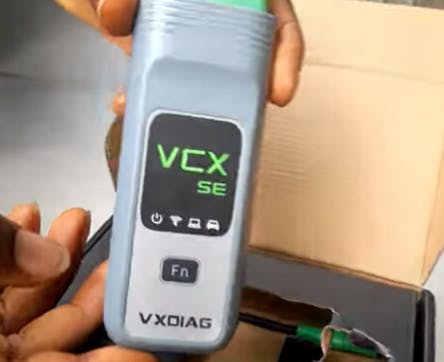



The March 2026 version of the Mercedes-Benz XENTRY diagnostic software has now been released. The corresponding drivers for VXDIAG series devices (VCX SE / VCX PLUS) have also been updated.
Users simply need to open VX Manager, locate the Mercedes-Benz / XENTRY driver in the driver management interface, and click to download and install.

Important Notes
-
Please make sure the XENTRY diagnostic software itself has been installed (VXDIAG does not provide this software)
-
Please turn off antivirus software and firewall before installing the driver
-
Windows 10/11 Pro is recommended
-
If you have any questions, please feel free to contact VXDIAG technical support.